

Christmas mug mockup
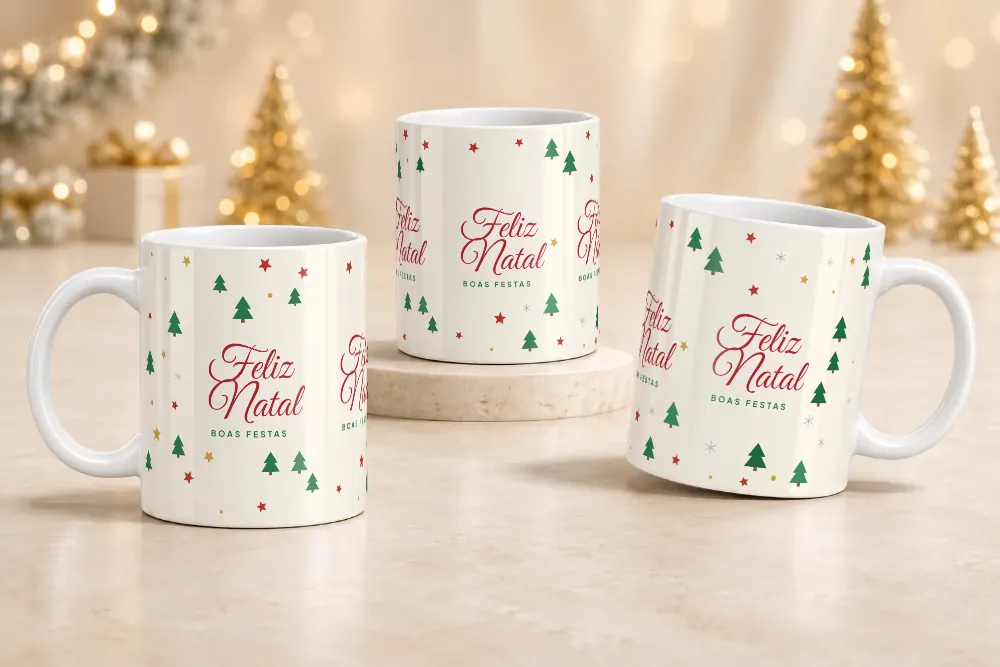
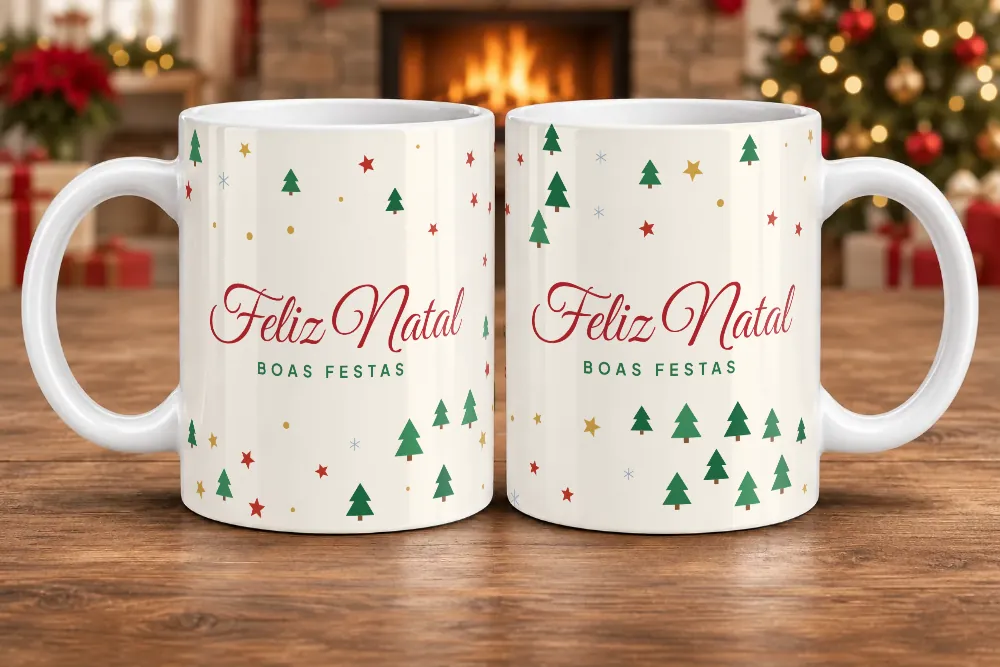
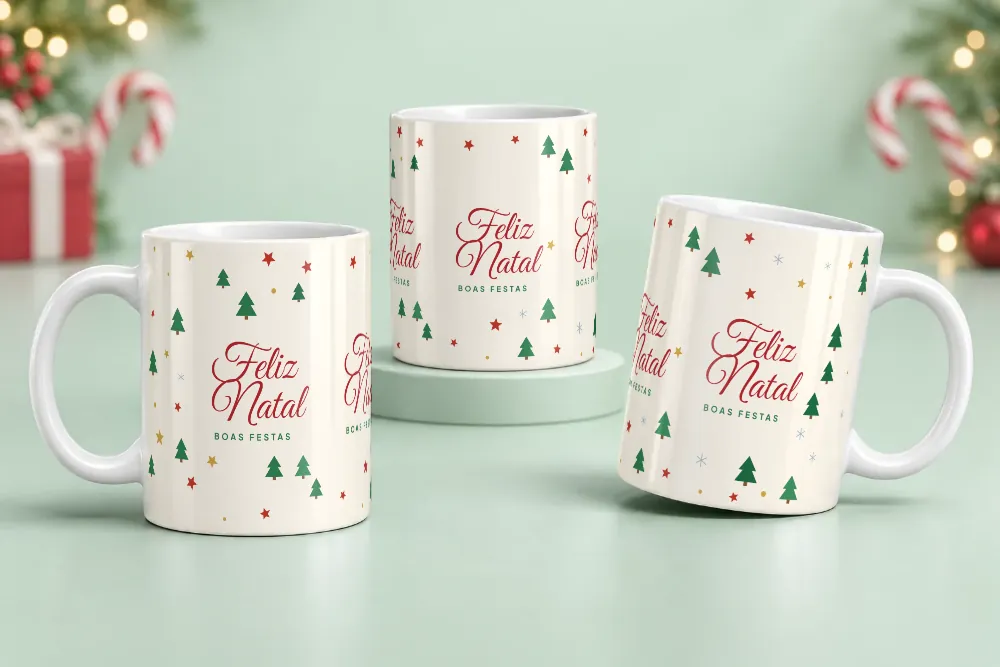
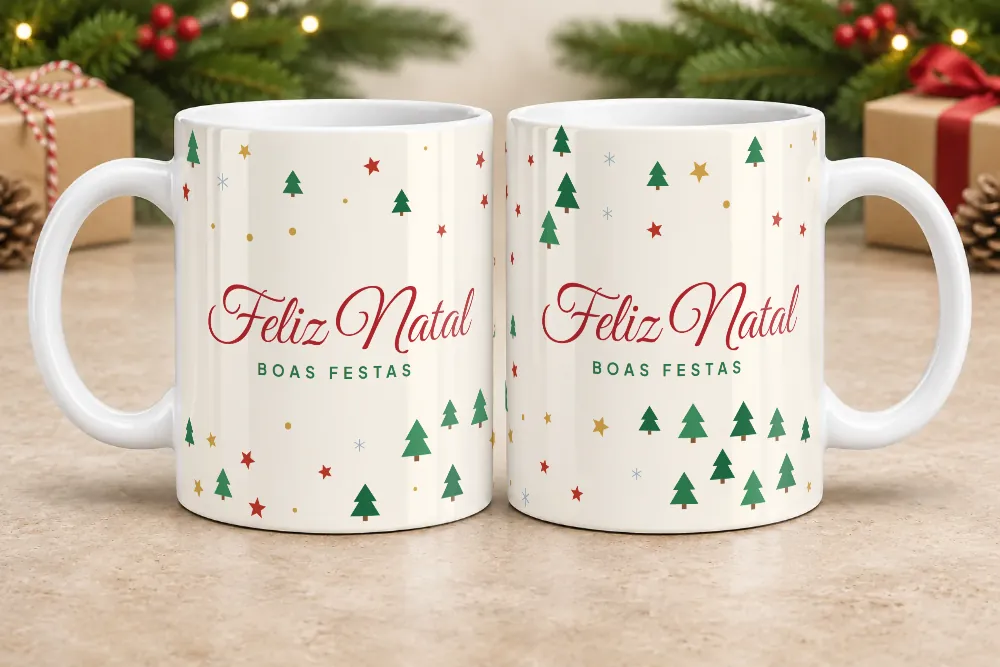
Christmas is the season when personalized mugs sell the most, and the photo makes all the difference when a customer decides to order. On In Mockups you apply your design to 36 Christmas scenes (tree, fireplace, snow, gifts, a festive table) and download images ready for Instagram, WhatsApp or your catalog.
Create a Christmas mockupSee all themes
- Classic Christmas 5
- Red and gold 3
- Pine green 3
- Snowy 3
- Wood 3
- Rosé 3
- Blue and silver 3
- Champagne 3
- Fireplace 3
- Sweets 3
- Kraft 3
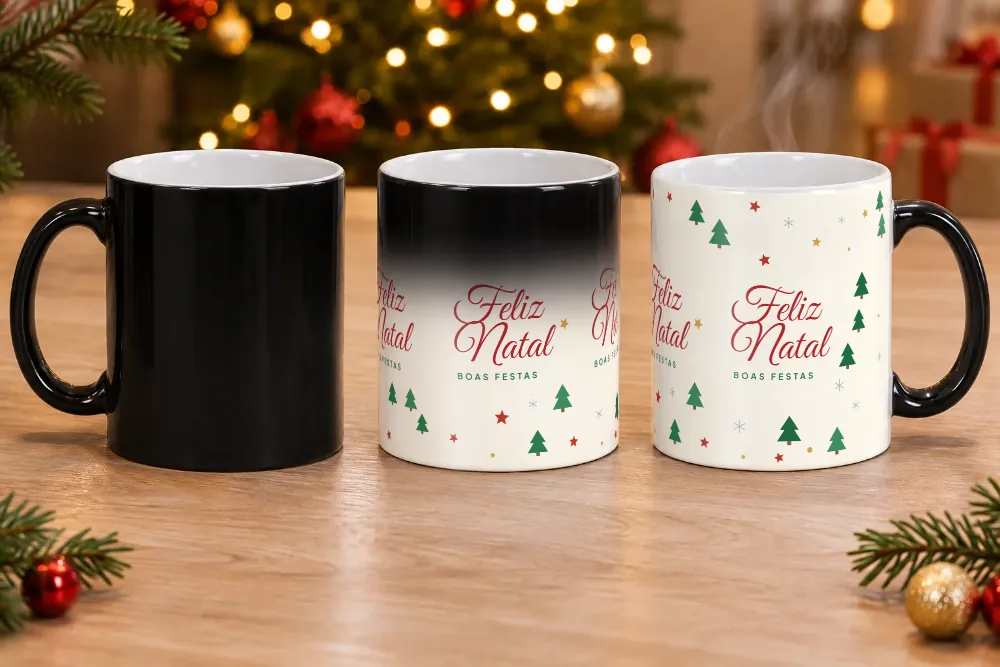
- Magic mug 1
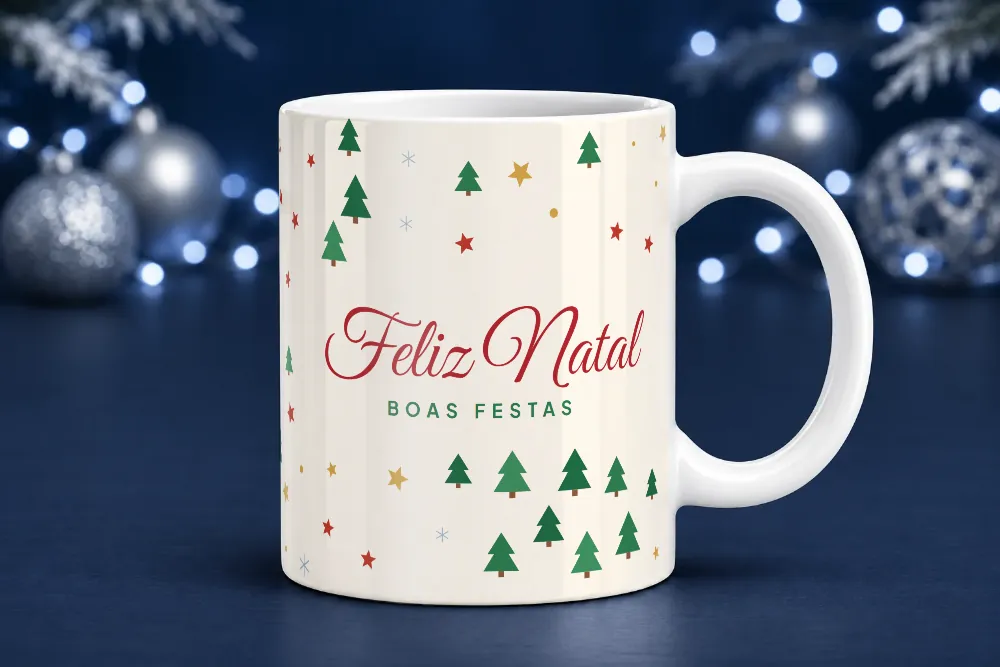
Mockup examples
Images made with In Mockups using a sample design. With your design, the result is the same.
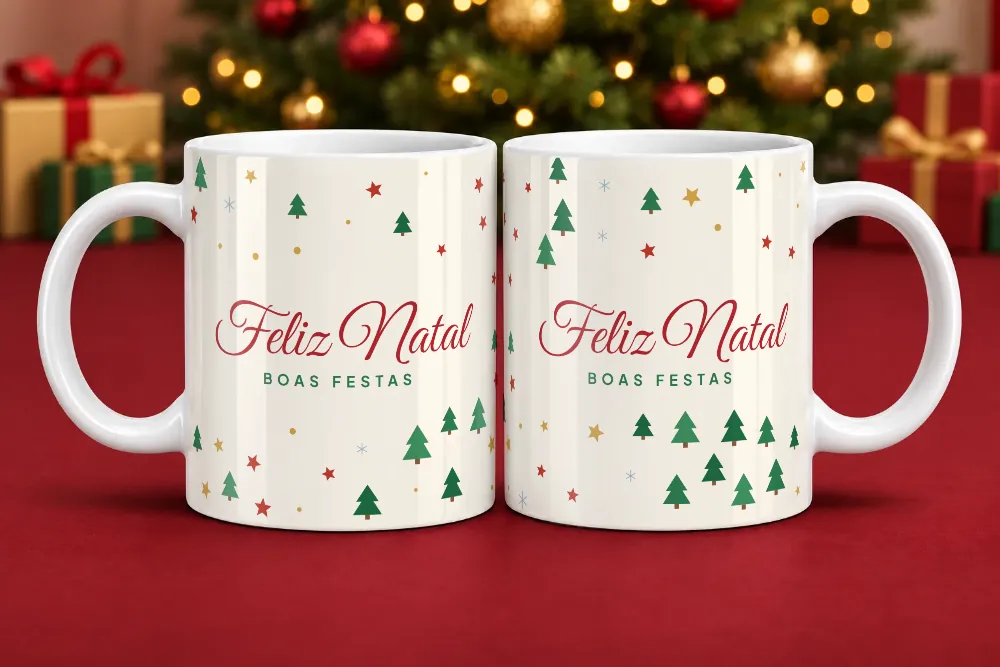
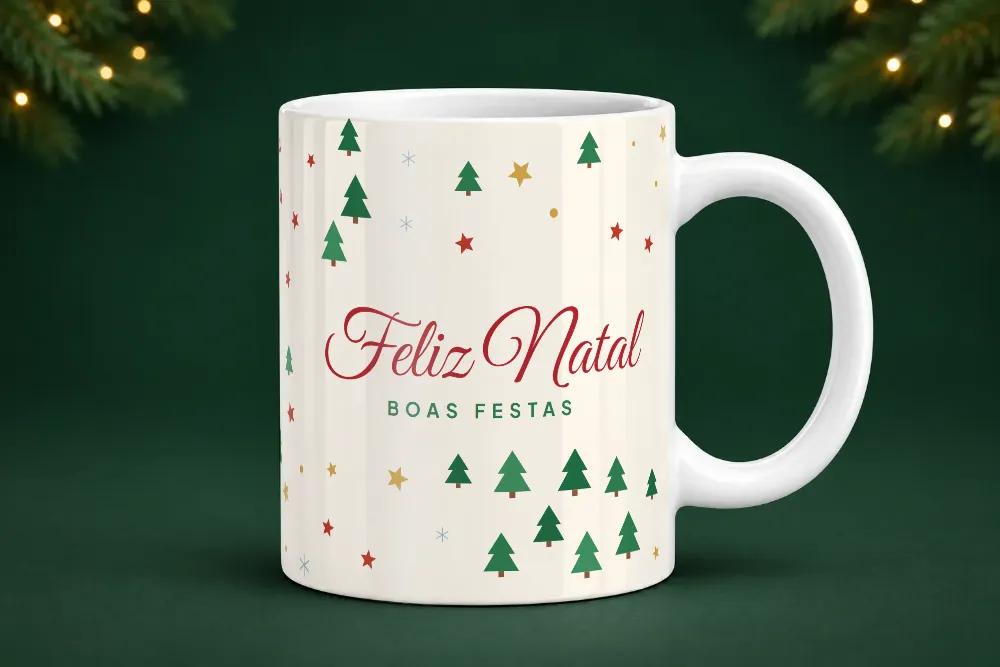
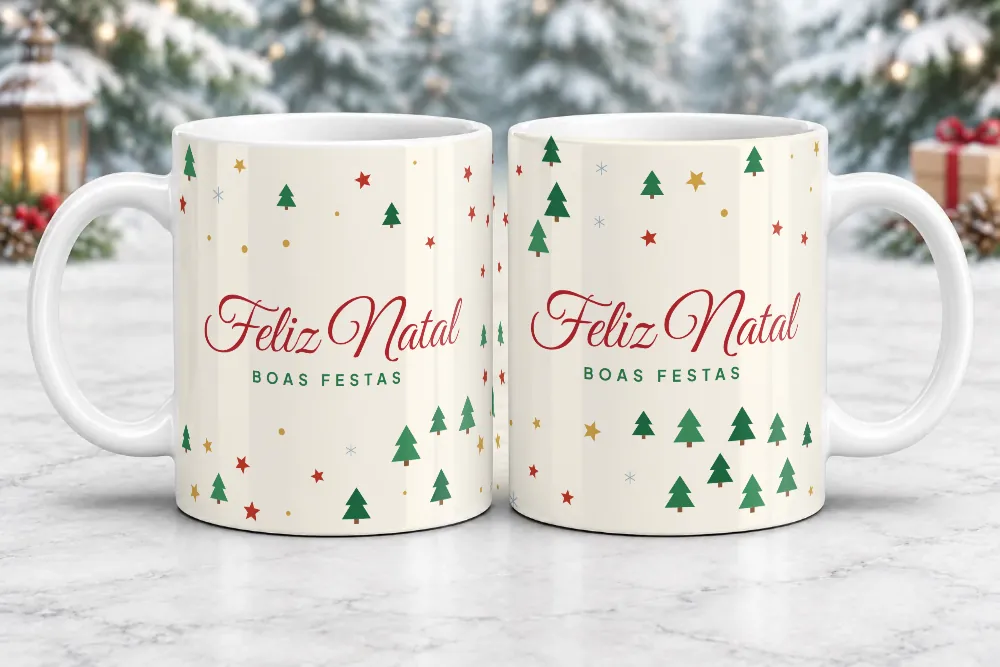
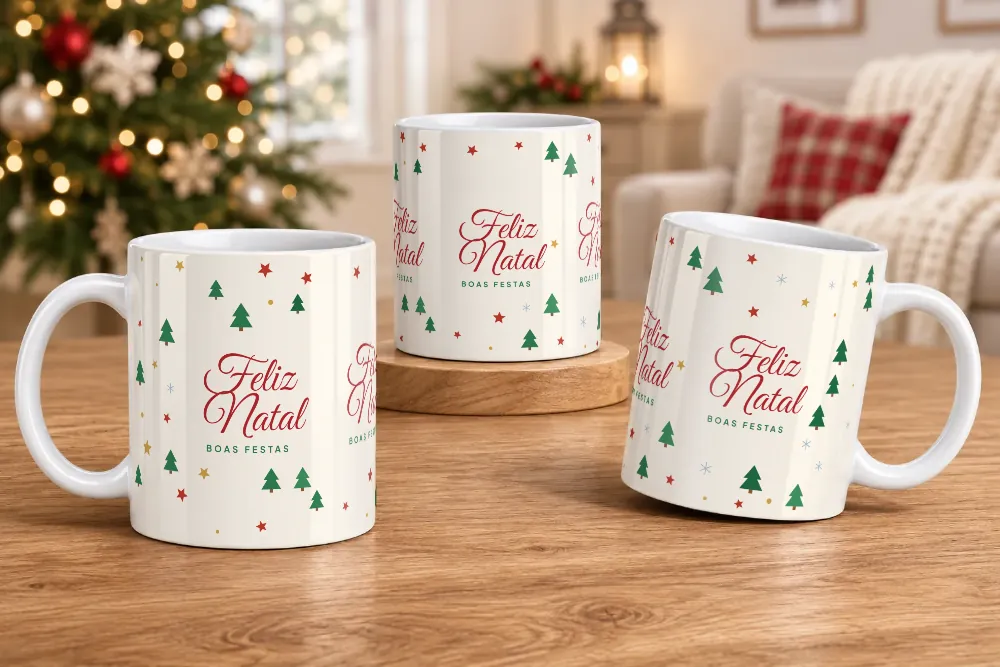
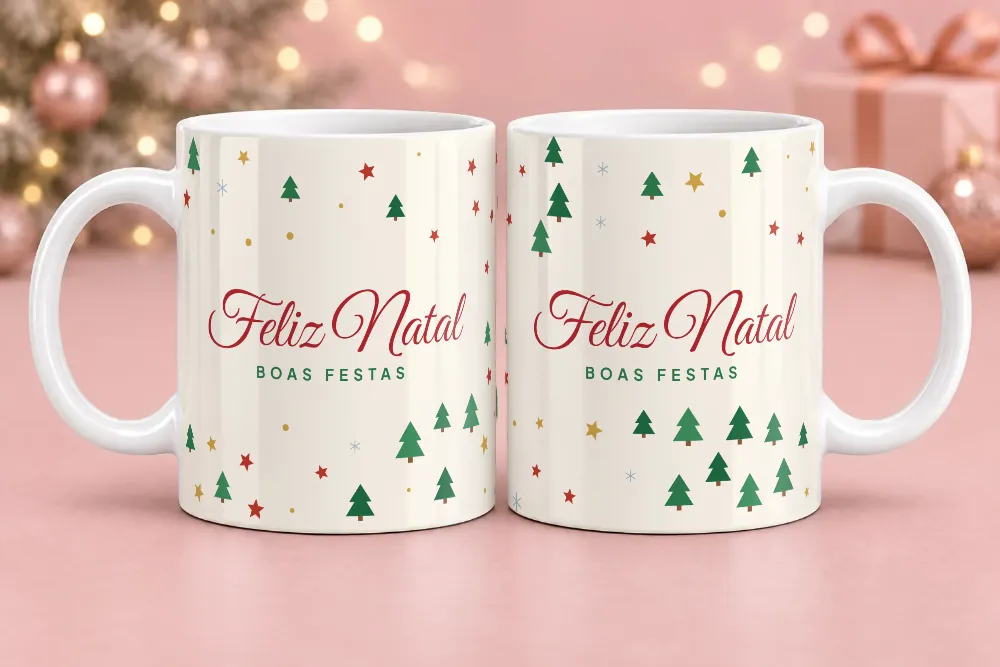
How to make a Christmas mug mockup
- Click Create a Christmas mockup. The generator opens with the Christmas scenes already selected.
- Upload your design (PNG, JPG or WebP). The standard size is 21 × 9.5 cm.
- Choose the scene and the model: white mug or magic mug.
- Click Generate and download the images.
Tips for selling more mugs at Christmas
- Start promoting early. Many customers order gifts weeks in advance; having your photos ready in November helps you catch those orders.
- Use one style per collection. Showing every design in a collection in the same scene (for example, Red and gold) makes your catalog look like a real shop.
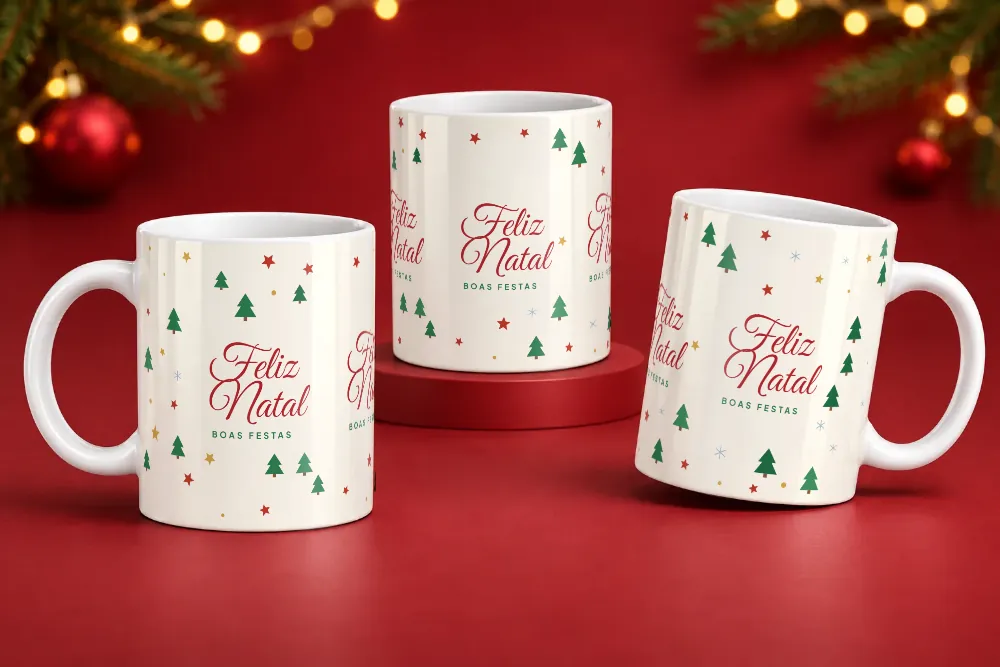
- Show mugs in pairs or sets of three. Scenes with 2 or 3 mugs help you sell family sets and Secret Santa gifts.
- Make the most of the magic mug. The Christmas magic mug scene shows the design appearing with the heat, an effect that grabs attention on social media.
Frequently asked questions
How many Christmas scenes are there?
There are 36 scenes in 12 styles, with 1, 2 or 3 mugs per photo, including a magic mug scene. The styles are listed at the top of this page.
Can I use my own Christmas design?
Yes. Upload any design as PNG, JPG or WebP. The standard size for an 11 oz (325 ml) mug is 21 × 9.5 cm; if your design has a different aspect ratio, you can adjust the framing before generating.
Are the Christmas mockups free?
Yes. On the free plan you can create up to 5 images a day, with no watermark. On the Pro plan (R$ 19.90/month) there's no daily limit and you can create several scenes and several designs at once.
Can I create several Christmas scenes at once?
Yes, on the Pro plan: you can select up to 20 mockups at a time and the generator creates all of them with each design you upload. You can also build a Christmas catalog with several designs on the same page.
Are the Christmas designs on this page for sale?
No. The designs in the photos are just examples to show the scenes. In your mockups you use your own designs.
Other themes
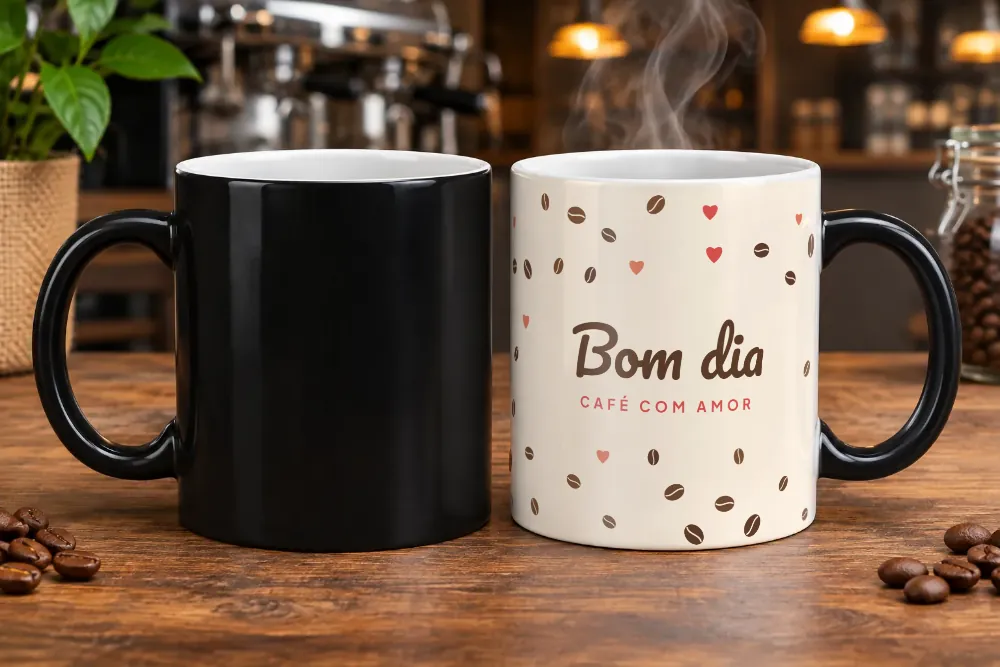 Magic mugBlack when cold, with the design appearing as it heats up.20 scenes
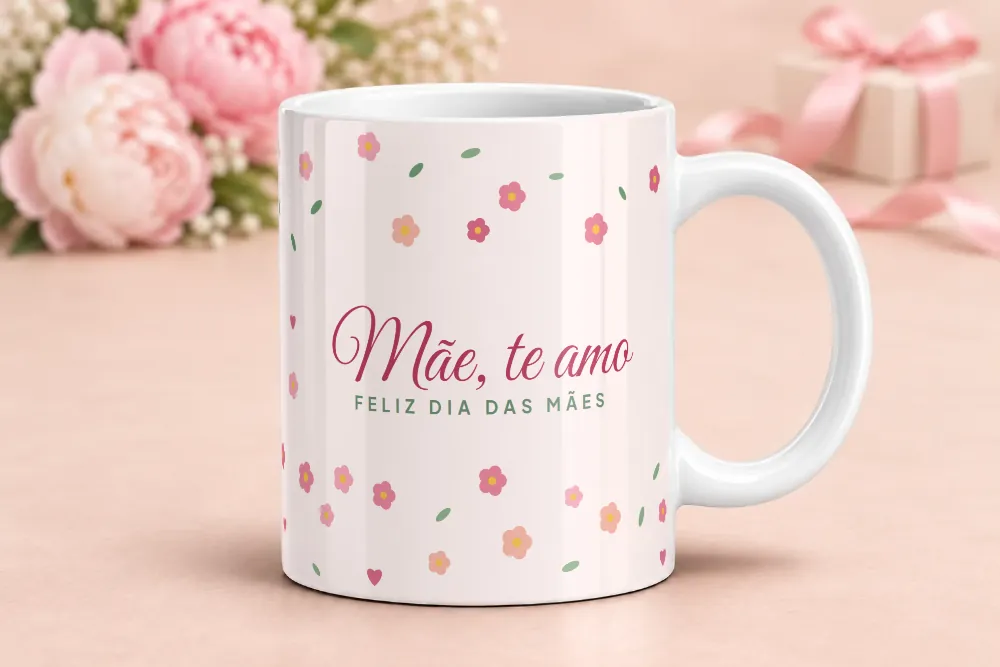 Mother's DayFlowers, ribbons and gifts, plus romantic scenes.4 scenes + 15 matching
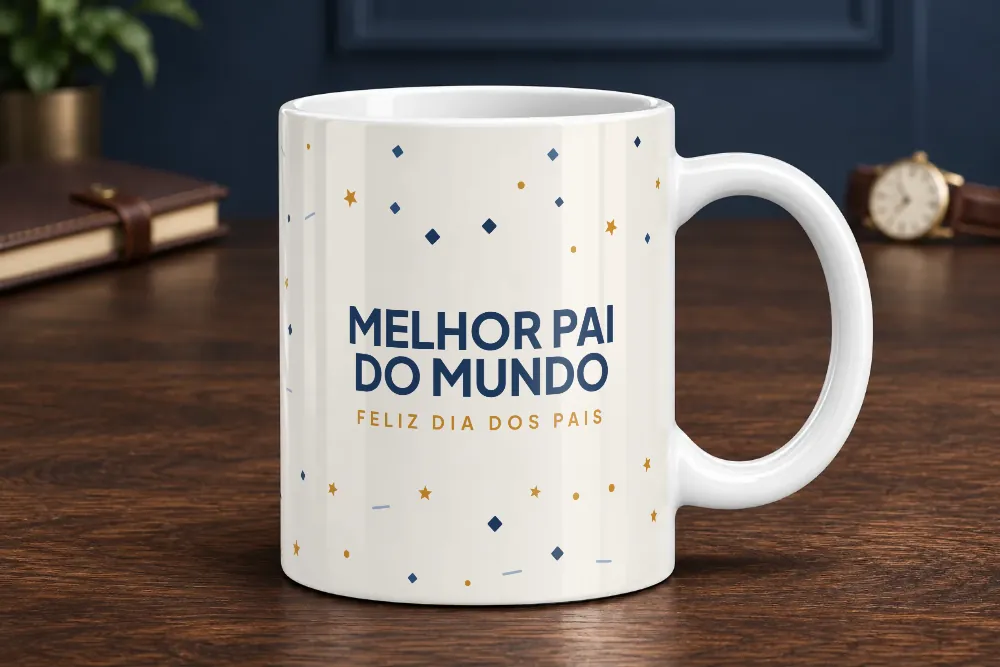 Father's DayOffice, coffee, fishing and dark scenes.3 scenes + 14 matching
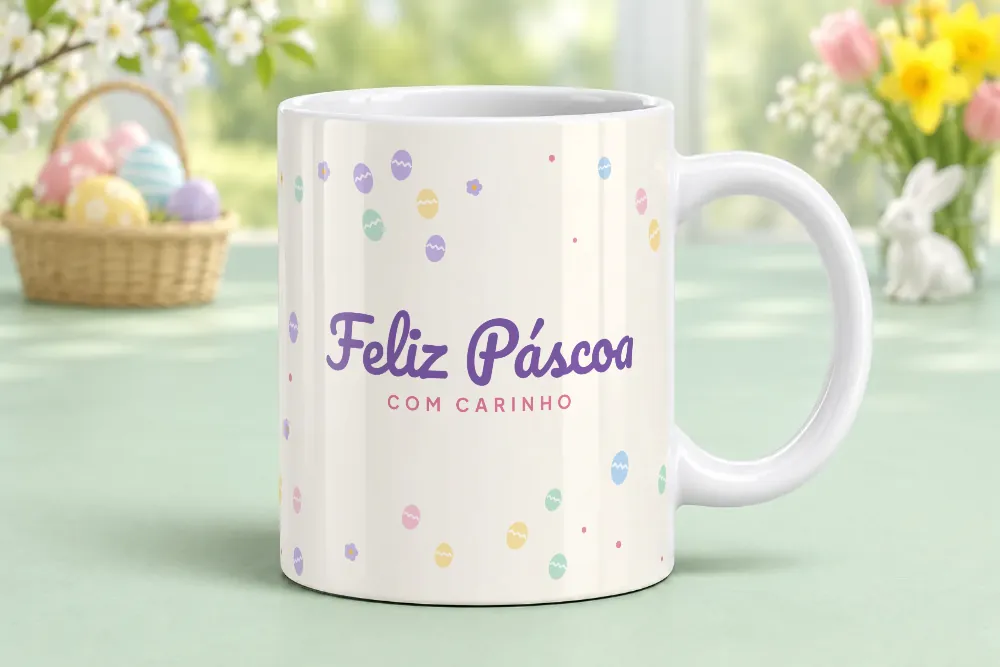 EasterBunnies, eggs, flowers and pastel tones.3 scenes + 6 matching
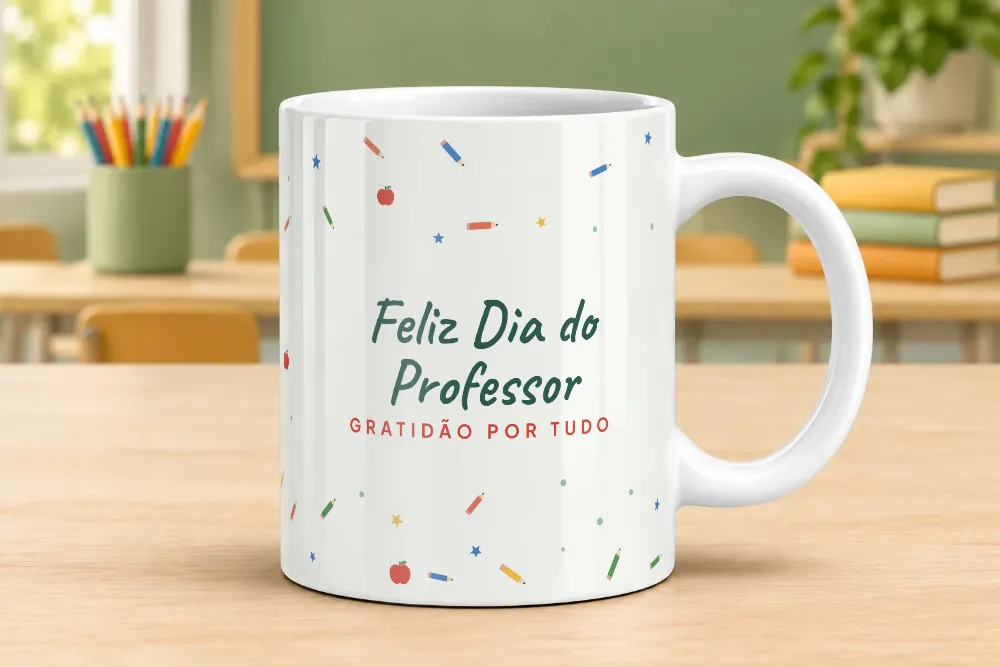 TeachersClassroom, books and graduation.3 scenes + 6 matching
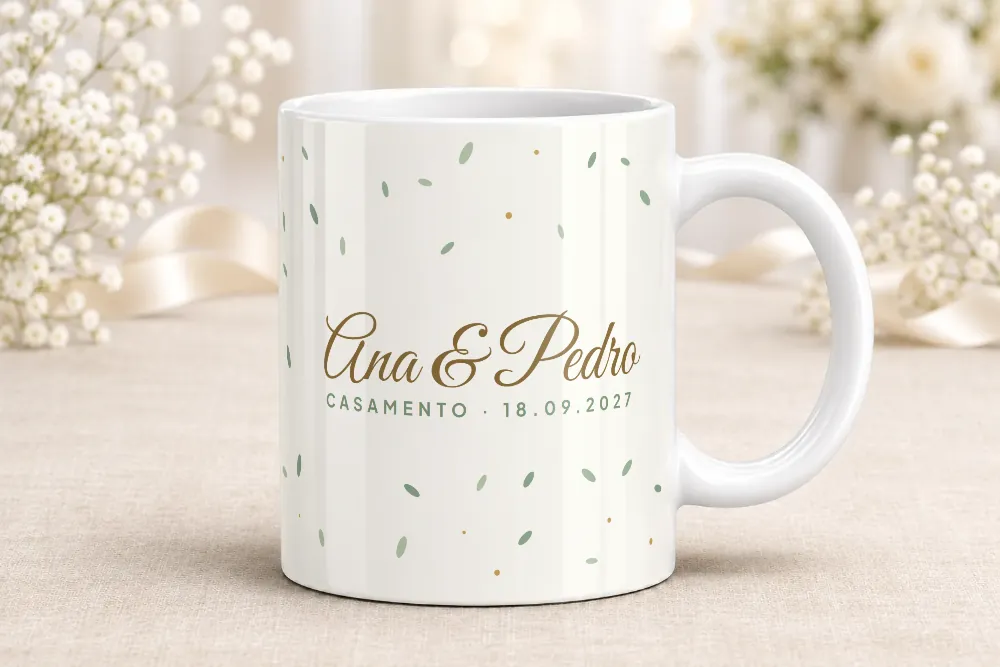 Weddings and bridal partyBridal party, favors and the happy couple.5 scenes + 15 matching
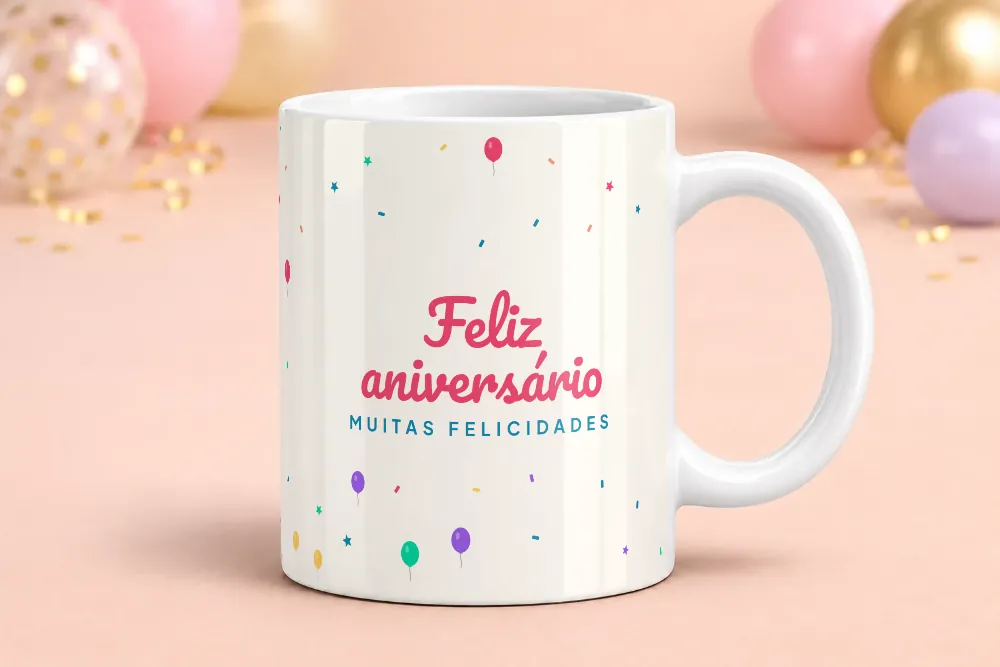 BirthdayBalloons, parties and colorful scenes.3 scenes + 7 matching
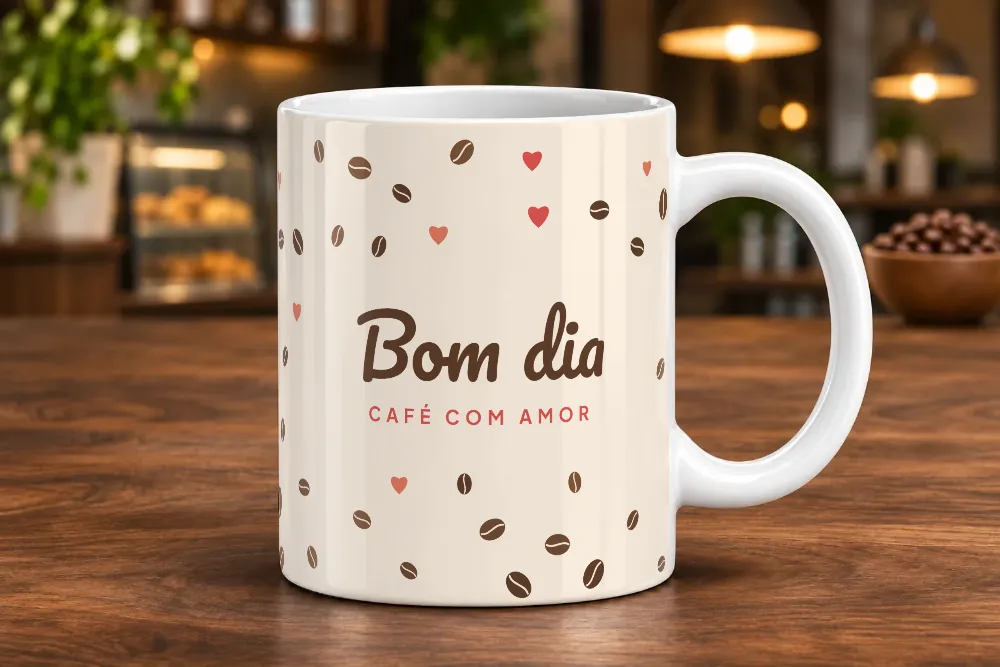 CoffeeRustic coffee, coffee shop and magic mug.8 scenesSee all themesFamily, celebrations, coffee, professions, pets, sports and much more.209 scenes in total