
Mug sublimation design size: a quick guide
· 3 min read
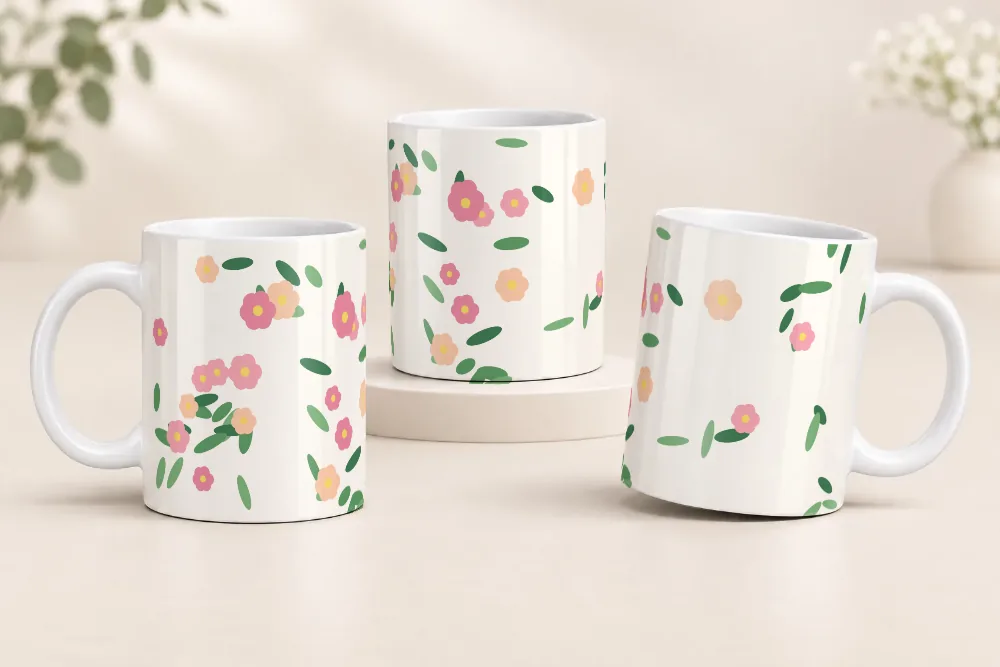
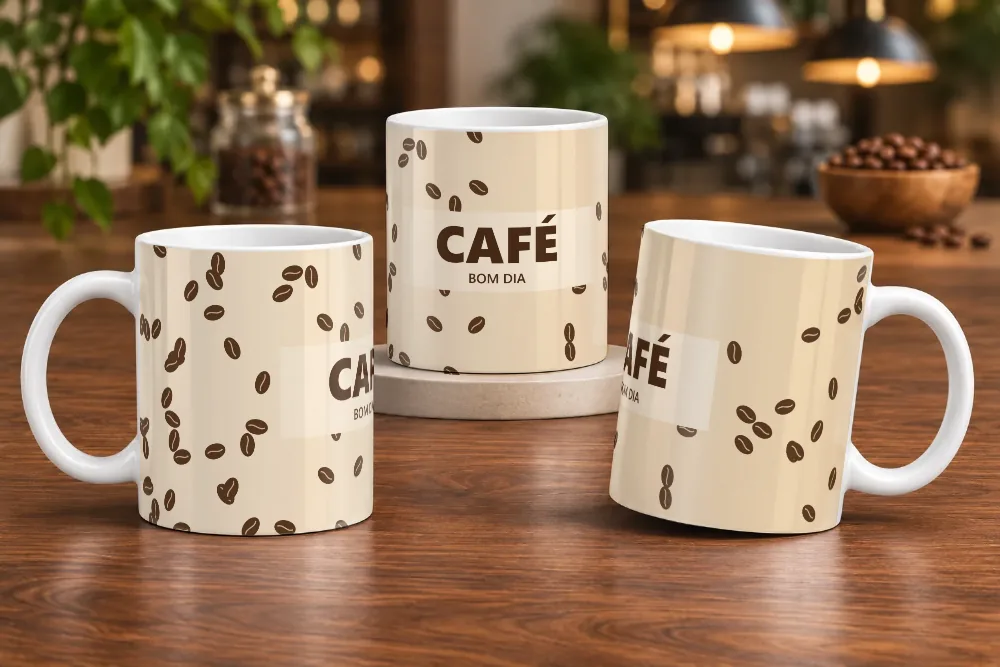
Getting the design size right is the first step to a great-looking mug. If the design is too small, you get a white band; if it's too big, important parts disappear near the handle. This guide shows the size for the best-selling mug and how to prepare the file.
Design size for an 11 oz mug
The standard 11 oz (325 ml) ceramic mug uses a design of 21 × 9.5 cm (about 8.3 × 3.7 in). That's the area that wraps around the mug, from one side of the handle to the other.
| Size | Value |
|---|---|
| Width | 21 cm (8.3 in) |
| Height | 9.5 cm (3.7 in) |
| In pixels (300 dpi) | 2480 × 1122 px |
| Formats | PNG, JPG or WebP |
In practice, many sellers use a slightly smaller design, such as 20 × 9.5 cm: it saves paper and avoids faded edges, since the sides of the mug sometimes don't get hot enough in the press. It's worth testing on your mugs to see what fits best; sometimes 20 × 9.7 cm works better, because sizes vary a little from supplier to supplier.
Other models, such as mini mugs, 15 oz mugs and tapered (latte) mugs, have different sizes. For those, confirm the size with your mug supplier.
What resolution to use
For printing, 300 dpi is ideal. In practice, that means a 21 cm (8.3 in) wide design should be about 2480 pixels wide. Designs with much lower resolution may come out blurry or pixelated on the mug.
If you downloaded the design from the internet, check its size in pixels before printing. Enlarging a small image in an editor won't bring back details it doesn't have.
Watch the handle and the edges
- Handle area: the part of the design right behind the handle is barely visible. Don't put names, dates or faces there.
- Margins: leave a little space at the top and bottom. The press doesn't always transfer the design all the way to the exact edge of the mug.
- Main element: if the design has a key element, such as a name or a photo, check in the front and back mockups which side it appears on before printing.
Colors: RGB or CMYK?
Most sublimation printers work with RGB files, the default in design software and on phones. If your printer uses a specific color profile, follow the ink manufacturer's guidance.
Test the design before printing
Before using up paper, ink and a mug, make a mockup. On In Mockups you upload your 21 × 9.5 cm design and see how it looks on the mug from the front, the middle and the back. If your design has a different aspect ratio, you can adjust the framing before generating.
Want tips for mockups that sell more? Read the guide how to make a free mug mockup. And to see where to click on the site, follow the step-by-step guide with screenshots.