
Where to place the design on a mug: front, middle and back (free template)
· 4 min read
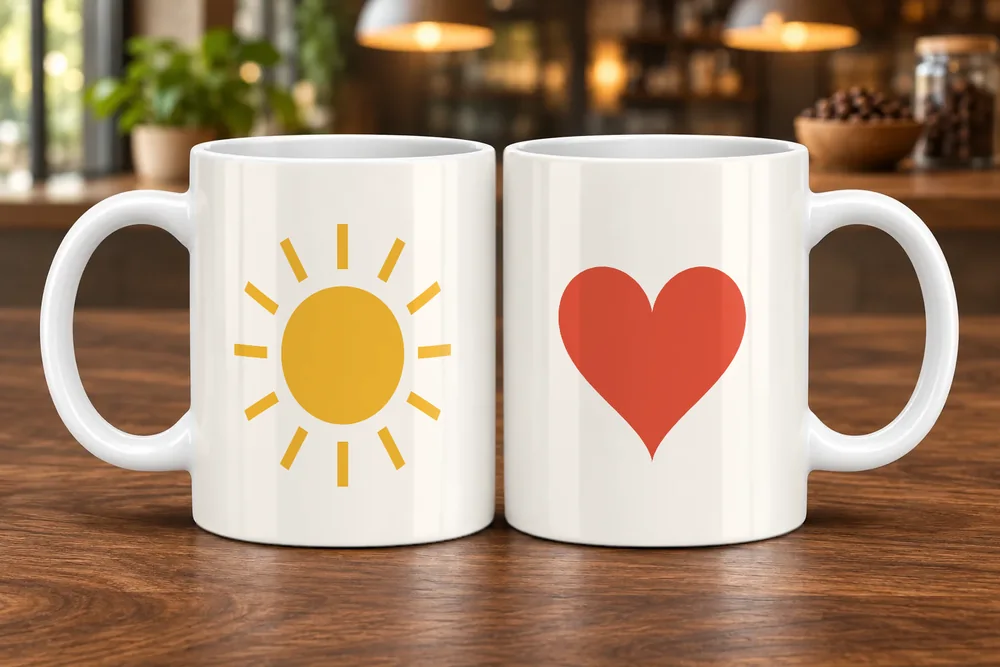
A mug design wraps all the way around, but nobody sees the whole mug at once. In a photo, in a catalog and in your customer's hand, only one side shows at a time. Knowing which part of the design becomes the front, the middle and the back prevents the most common problem: a logo or name cut in half right at the edge of the mug.
Where each side is on the design
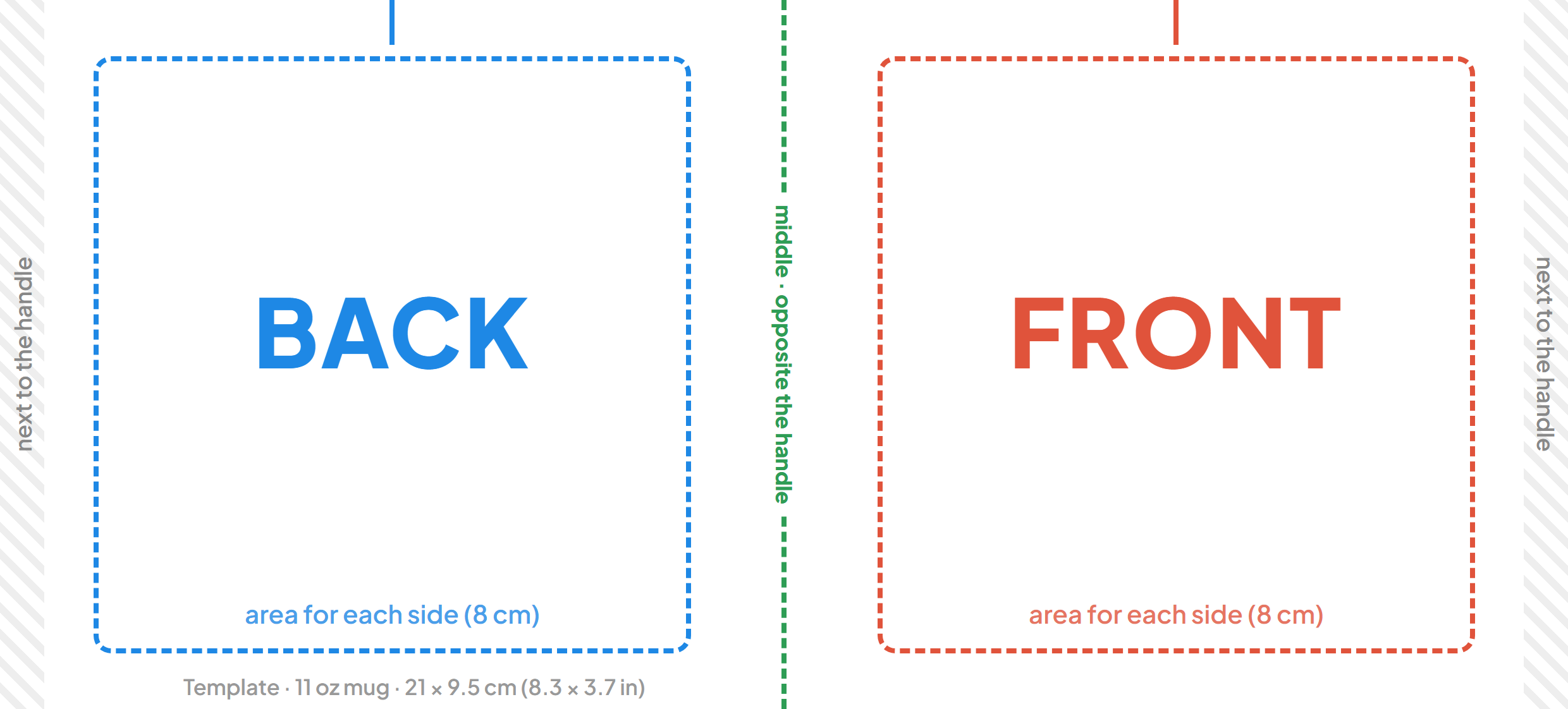
The design for an 11 oz (325 ml) mug is 21 × 9.5 cm (about 8.3 × 3.7 in). Its center goes on the side opposite the handle, and both ends finish near the handle, with a gap of about 4.8 cm (1.9 in) with no print between them.
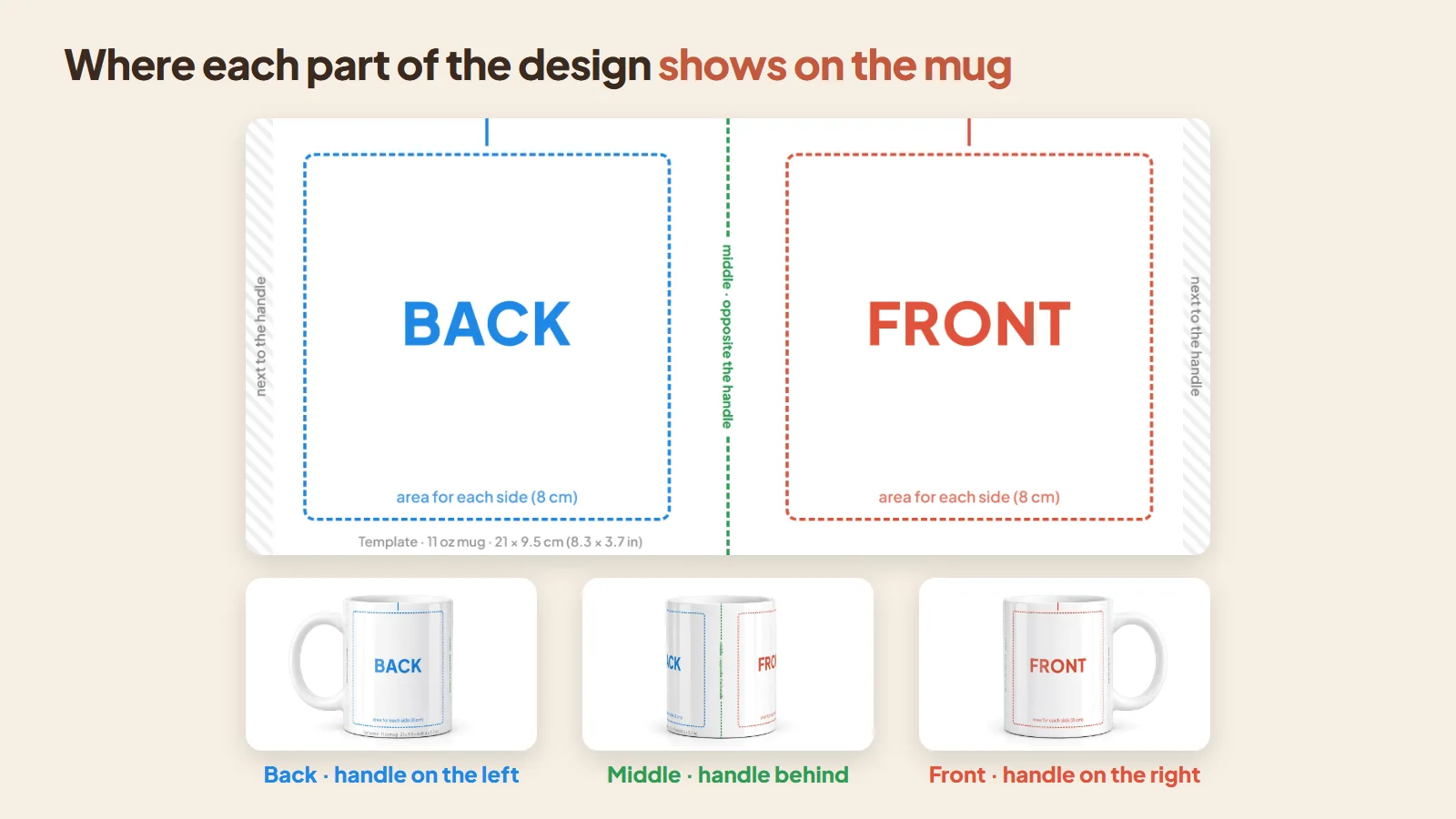
| Mug view | Handle position | Part of the design shown |
|---|---|---|
| Front | on the right | right half |
| Middle | behind, hidden | center |
| Back | on the left | left half |
The center of each side is the center of each half of the design: on a 21 cm design, 5.25 cm (about 2.1 in) from each edge (25% and 75% of the width). That's where a name, a quote or a logo shows centered in a side photo. It's also the standard in two-sided sublimation templates.
Each design can be up to about 8 cm (3.1 in) wide. Leave about 2 to 3 cm (1 in) free in the middle, between the two designs, and about 1 cm at the ends, next to the handle. The middle view shows exactly that space between the two designs.
Download the free template (PNG, 2480 × 1122 px) with the front and back areas and the middle marked. Open it in Canva, Photoshop or whatever app you use, place your design on top and delete the guides before printing.
A single logo: the most common mistake
Many people put the logo right in the center of the design. On a real mug, the center is on the side opposite the handle. In a side photo, the logo shows cut in half at the edge, and in full only in the middle view.
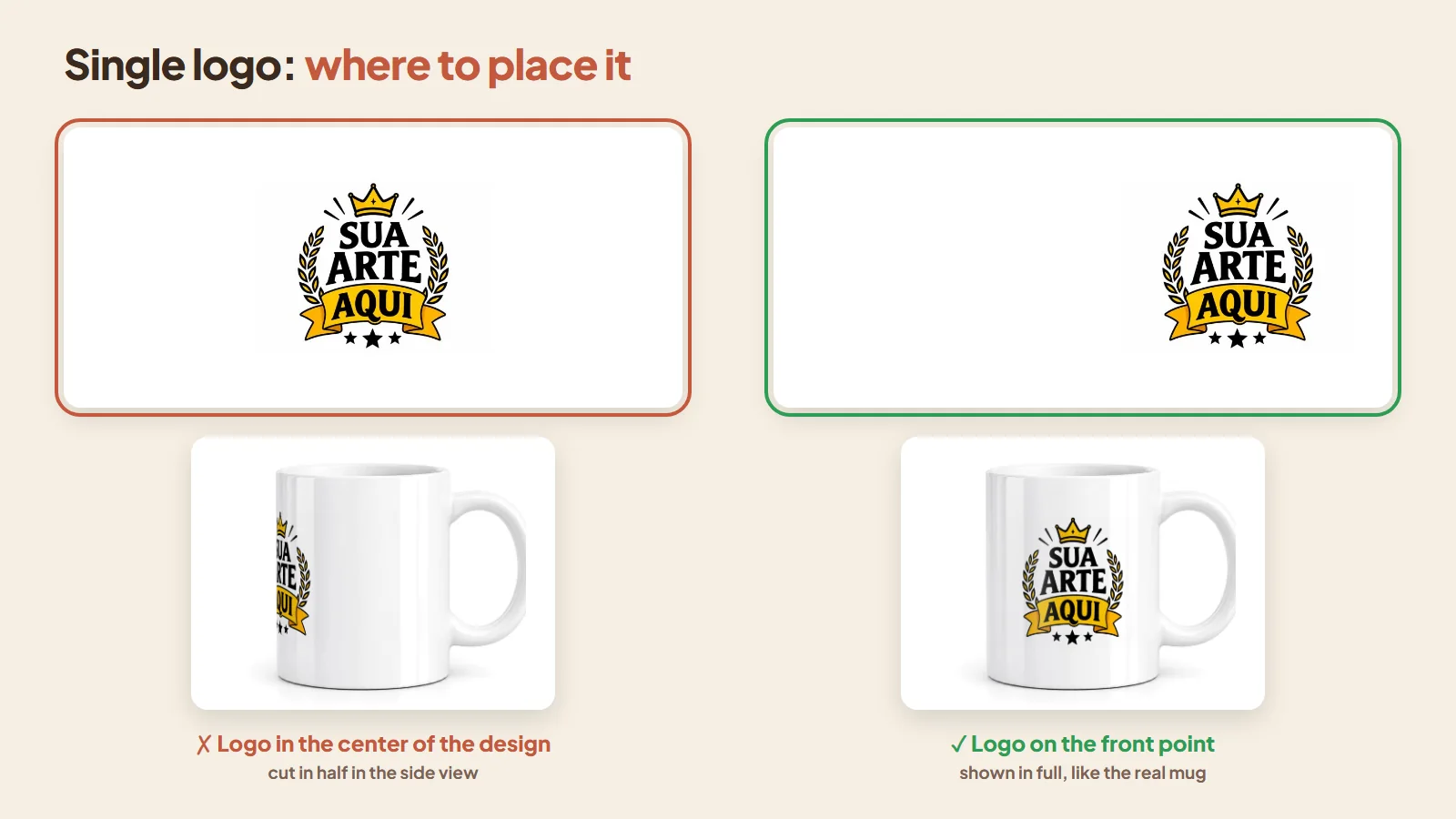
To show the whole logo when the mug is seen from the side, center it in the right half of the design, 5.25 cm from the right edge. Want the logo on both sides? Repeat it centered in the left half.
On In Mockups you don't need to set this up by hand. Upload your logo and, in the design fit menu (the one that shows Fill), choose Logo on both sides or Logo on the front only. The site builds the 21 cm design with the logo in the right spot and shows the result in every scene.
Which side is the front?
On In Mockups, the front is the mug with the handle on the right, the most common way to photograph a mug. A few tips to decide what goes where:
- A right-handed person holds the mug with the handle on the right and sees the front. The people facing them see the back.
- A gift with a name or quote for the person to read: put it on the front.
- A company logo or a quote for others to see: put it on the back, or on both sides.
- For left-handed people it's the opposite: they see the back, and the people facing them see the front.
All-over designs
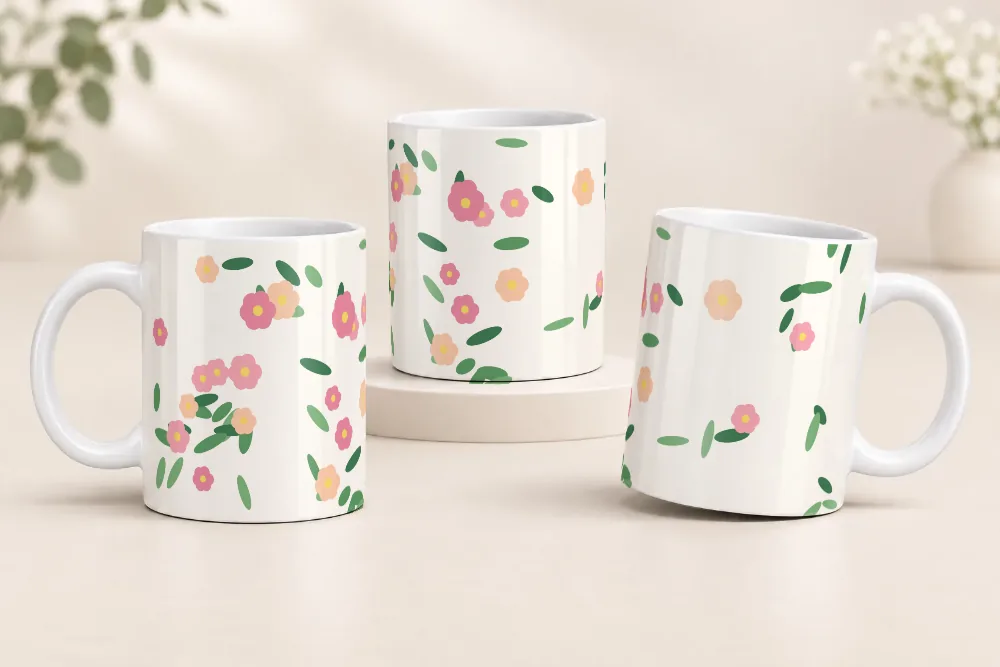
Continuous patterns, like florals, dots and stripes, look good from any side and don't need a template. Just remember that no photo shows the whole design: pick the side that shows the pattern best for the main photo.
Long quotes that wrap around the mug also work, but each photo will show only part of them. If the quote has to be read at once, keep it inside one of the template areas.
Check before printing
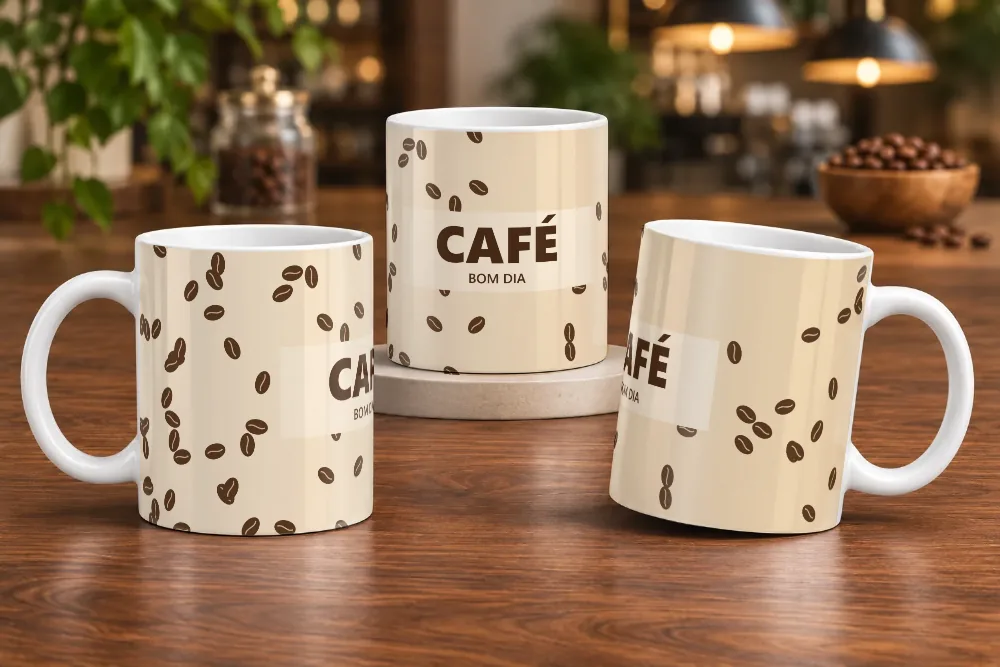
On In Mockups you see the same design from the front, the middle and the back on a white background. Scenes with two mugs show the back and the front, and scenes with three mugs show all three sides. If the main design is cut, move it in the design and generate again.
Still choosing the design size? Read the mug sublimation design size guide. And for photo tips that sell, see how to make a free mug mockup.